1.) What is Janoshik Analytical?
The laboratory is described here factually: it is an independent analytical laboratory that performs peptide testing and issues reports that can be re-checked at source. [1] No superlative is claimed for it, because none is needed — the point of independent testing is that the result can be checked, not that the laboratory is endorsed.
Evidence level: documentary and procedural. This page describes a verification workflow and the public records Origen publishes.
2.) Why verify the original report?
Because images can be copied, edited, cropped, or attached to the wrong product. A screenshot of a good result proves that a good result exists somewhere — not that it belongs to the material being offered.
Retrieving the report from the laboratory's own system removes the seller from the chain. Whatever the laboratory returns is what the laboratory recorded.
3.) What information is needed to verify a report?
Two values, both of which Origen publishes as indexable text rather than only inside a PDF:
- The task number — the laboratory's identifier for that analysis.
- The unique verification key — the code that retrieves that specific report.
Origen also publishes a direct link to the laboratory-hosted document for each report, which opens the same record without manual entry.
| Origen product | Lot | Task number | Verification key | Reported content | Purity (HPLC) | Test date |
|---|---|---|---|---|---|---|
| Retatrutide 30 mg | REPTN | 171909 | 8FVY9HZACZJE | 29.82 mg | 99.761% | 12 Jun 2026 |
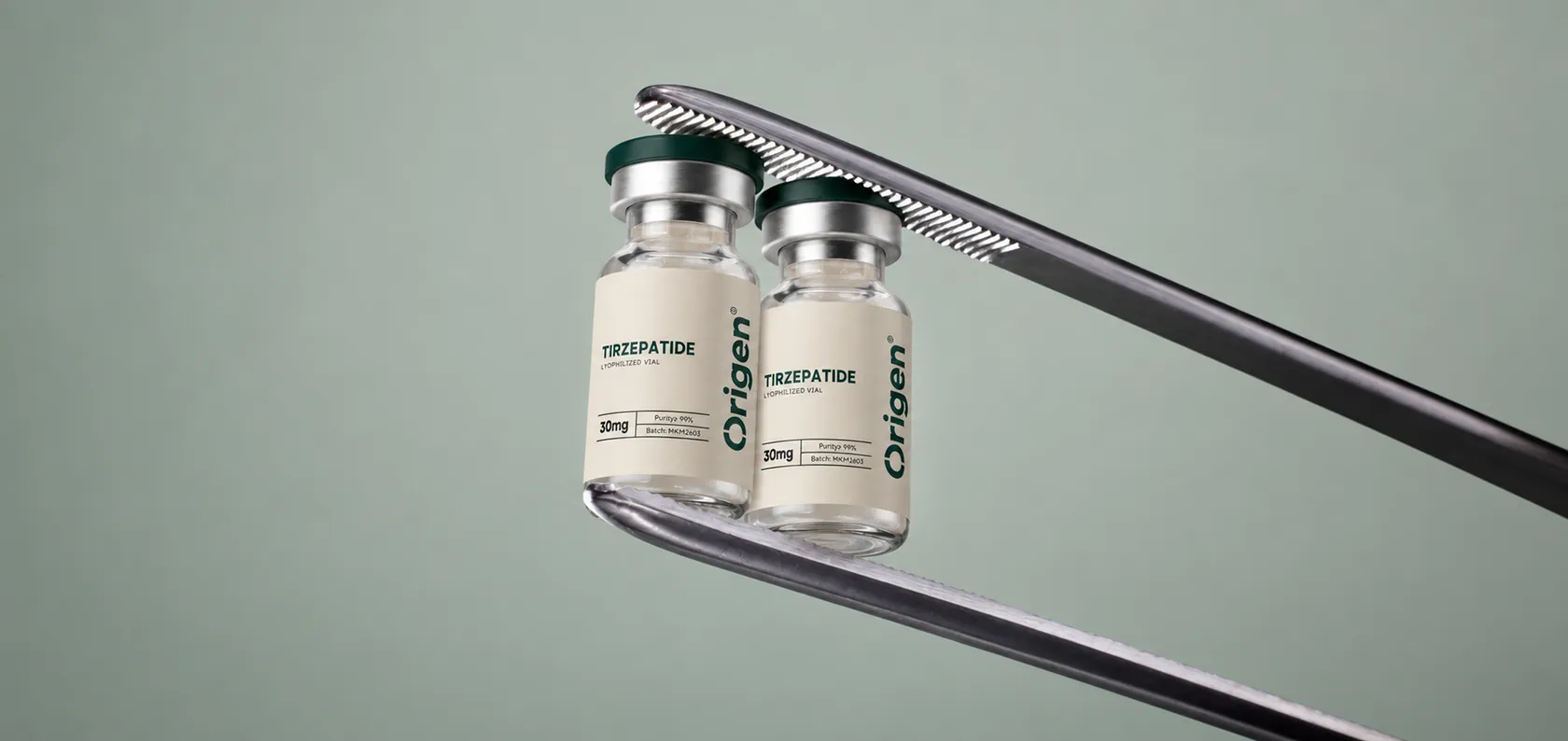
| Tirzepatide 30 mg | MKM2603 | 136367 | L4CE569LK1FD | 34.58 mg | 99.877% | 9 Apr 2026 |
| GHK-Cu 50 mg | QWPW | 95932 | FGD6TACE17P2 | 52.05 mg | 99.501% | 2 Jan 2026 |
| CJC-1295 (No DAC) / Ipamorelin 10 mg | MKM2603 | 136577 | W5LFH4XSWBGJ | CJC-1295 5.05 mg + Ipamorelin 4.62 mg | 99.681% | 9 Apr 2026 |
4.) How to verify a Janoshik report
- Open the laboratory's verification page at janoshik.com/verification — the laboratory's own site, not a seller's.
- Enter the task number for the report you want to retrieve.
- Enter the unique verification key published alongside it.
- Submit, and read the report the laboratory returns.
- Alternatively, open the direct laboratory-hosted report link published for the product, which retrieves the same record.
Only the fields Origen publishes are described here — task number and verification key — because those are the values the laboratory's public route uses in Origen's published records. Interface details are deliberately not described in more depth, since a laboratory can change its own page at any time.
The same steps, with the full record for each product, are on trust and verification.
5.) What should you compare after opening the report?
Retrieving the report is half the exercise. The other half is checking that it describes the material you are looking at.
- Sample or product name — does it match the product the report is presented for?
- Task or report identifier — does it match the number you were given?
- Tests performed — which analyses does the document actually contain?
- Reported results — content in milligrams, purity figure, and any endotoxin or heavy-metal result.
- Test date — when the analysis was performed.
For the Retatrutide 30 mg report, for example, the published figures are a reported content of 29.82 mg, purity of 99.761% and a bacterial endotoxin result of 2.620 EU/vial, from an analysis dated 12 June 2026. [2] Those values should be what the laboratory returns.
6.) How does Origen link products to laboratory reports?
Each product has a published analysis. The task number, verification key, lot marking, reported content, purity and test date are published together, and each product's certificate page links to the laboratory-hosted document. [2][3][4][5]
Scope is stated rather than implied: the published results apply to the analysis referenced for that product. Origen does not describe them as per-batch or per-vial guarantees, because the analyses do not establish that.
The complete library is at certifications.
7.) What does independent verification establish?
Precisely three things:
- That the laboratory report exists as presented.
- What sample the laboratory recorded as having been analysed.
- What analytical results the laboratory reported for that sample.
It does not establish:
- That every vial is identical to the analysed sample.
- That every future batch will match.
- Sterility, unless a sterility test was performed and appears in the report.
- Endotoxin status, unless an endotoxin test appears in the report.
- Any medical efficacy, safety, or suitability for human or veterinary use.
Origen materials are supplied for in-vitro laboratory research only. A verified report is a statement about chemistry, not a statement about use.
8.) How does this relate to a peptide COA?
Verification is the authenticity step; interpretation is a separate skill, covered in how to read a peptide certificate of analysis.
For the measurement concepts behind the figures on the report, see peptide purity vs peptide content.